


Lenovo Cover Set - 5CB0L08650
$225.95


Lenovo Cm Cameras - 5C20L08586
$539.95


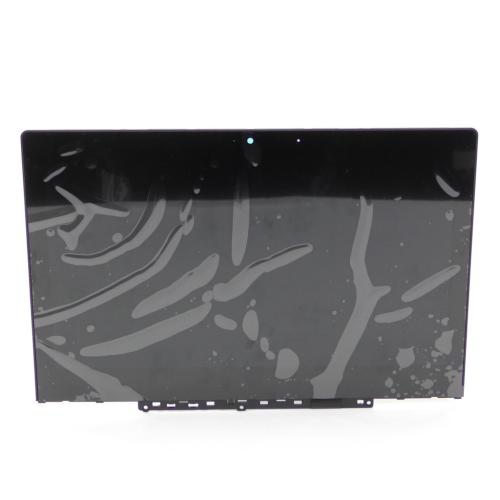
The Lenovo Chromebook LCD Touchscreen Display Assembly (LCD Module B 82CE 11HD with G-Sensor) - 5D10Y97713 is crucial for restoring full touchscreen capabilities to your Chromebook. Symptoms of a faulty touchscreen include unresponsiveness, erratic behavior, or a complete lack of touch functionality. While the device may still operate, the ease of use and functionality are significantly diminished without a working touchscreen.
This OEM replacement part from Lenovo is specifically designed for compatible Chromebook models, ensuring a perfect fit and reliable performance. It replaces damaged or non-functioning touchscreen assemblies, bringing your device back to life.
Located at the front of the device, this component is essential for allowing users to interact directly with the screen, making it a key part of the overall user experience.
Disconnect power safely to prevent any electrical issues during installation.
Remove the old touchscreen assembly by loosening screws and gently lifting it from the device.
Install the new touchscreen by aligning it with the mounting points and securing it with screws.
Reconnect power to the Chromebook and test the touchscreen for functionality.
Add-on parts
Frequently bought together
Add 3 Items to Cart
Get a 10% discount buying these products together
Part

Part

Part

Part

Part

Part


You currently have 0 items in your Wishlist


